Now we will add the “Popular” and “upcoming” buttons. Create a new layer and draw a Rounded Rectangle with a 4px radius like below.

CTRL + Click on the layer in the layers pallet to select it. Using the marquee tool hold down the alt key and select half of the rectangle. Then select the move tool and press the left arrow to move the selection.

Now select the other rectangle. I use the magic wand to do this. Fill the selection with #d0e5ad.

Using the text tool with the same Arial 14pt Bold font with # 325b0a as the color type the words “Popular and “Upcoming”.

Create another new layer and draw a white rectangle for the search box.

Select the circle marquee tool. Hold down the shift button to make a perfect circle and make a selection like below. Then press the delete key to delete that part of the box.

Create a new layer and make another slightly smaller circle and fill it with # 92afcd

Create a new layer. Draw another small circle inside that one and fill it with # e1ebf4.
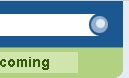
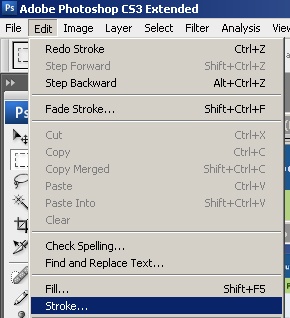
On the menu go to Edit > Stroke.
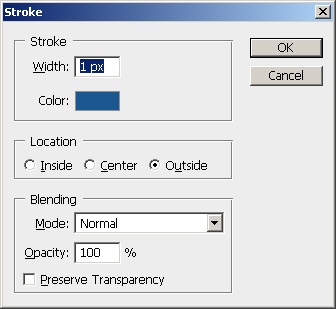
Now add a 1px stoke using the # 1b5790 color to the outside.
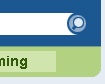
Once you have the stroke, use the line tool to add the handle to the magnifying glass and the finished button should look like this.
Now add the “Search Digg…” text using Arial 14pt Regular with #676767 as your color.

It looks pretty good. All you need to do is add the RSS button and the category links and you should have something like this.

